 Solki
Solki
 AlgoForKids
 Pomki
Pomki
 Torki
Torki
 Lokki
Lokki
What it looks like
Screens from the game itself — no mock-ups of features that do not exist.
Screenshots taken on iPhone 17 Pro and iPad Pro 13-inch, iOS 26.
On iPhone
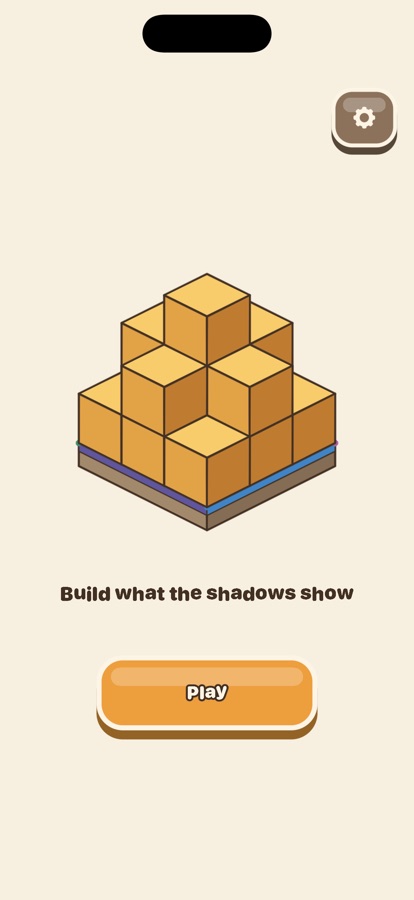
One button, and a structure slowly turning so you can see it is solid rather than drawn.
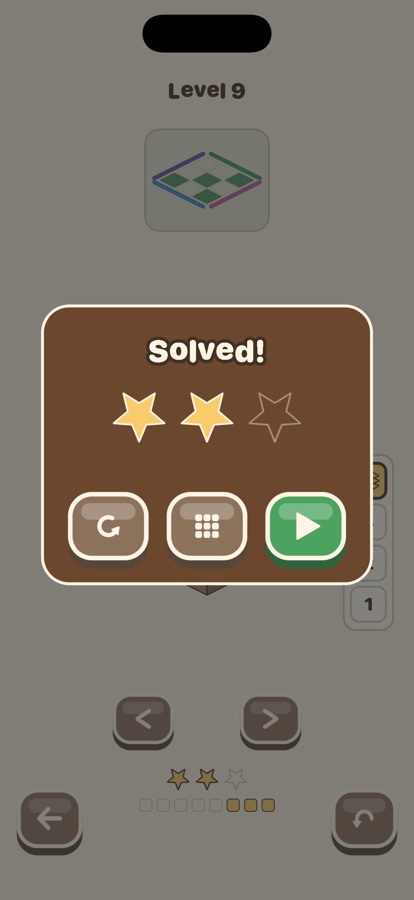
The first world: a single card. Copy what you see, and the cubes fall into place by themselves.
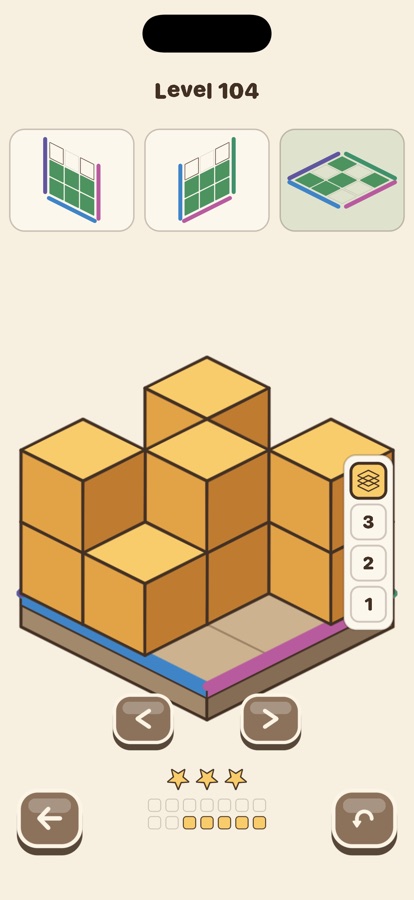
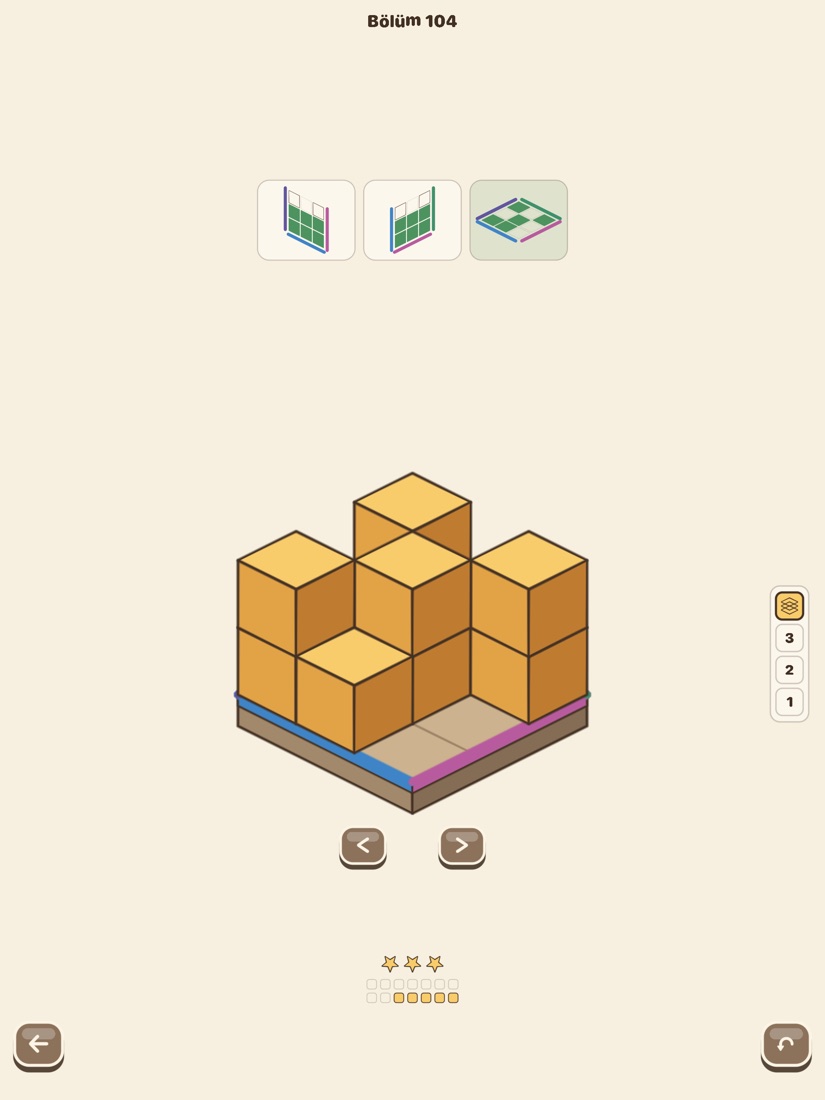
Front, side and top must all agree at once. The cards show what is matching, missing and extra as you build.
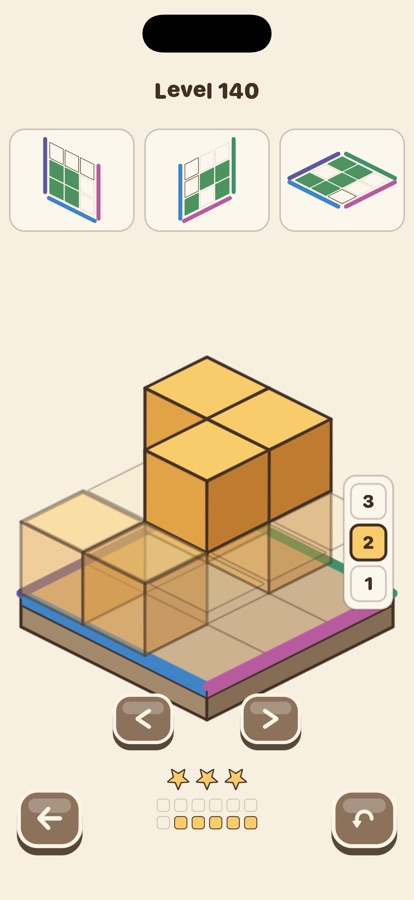
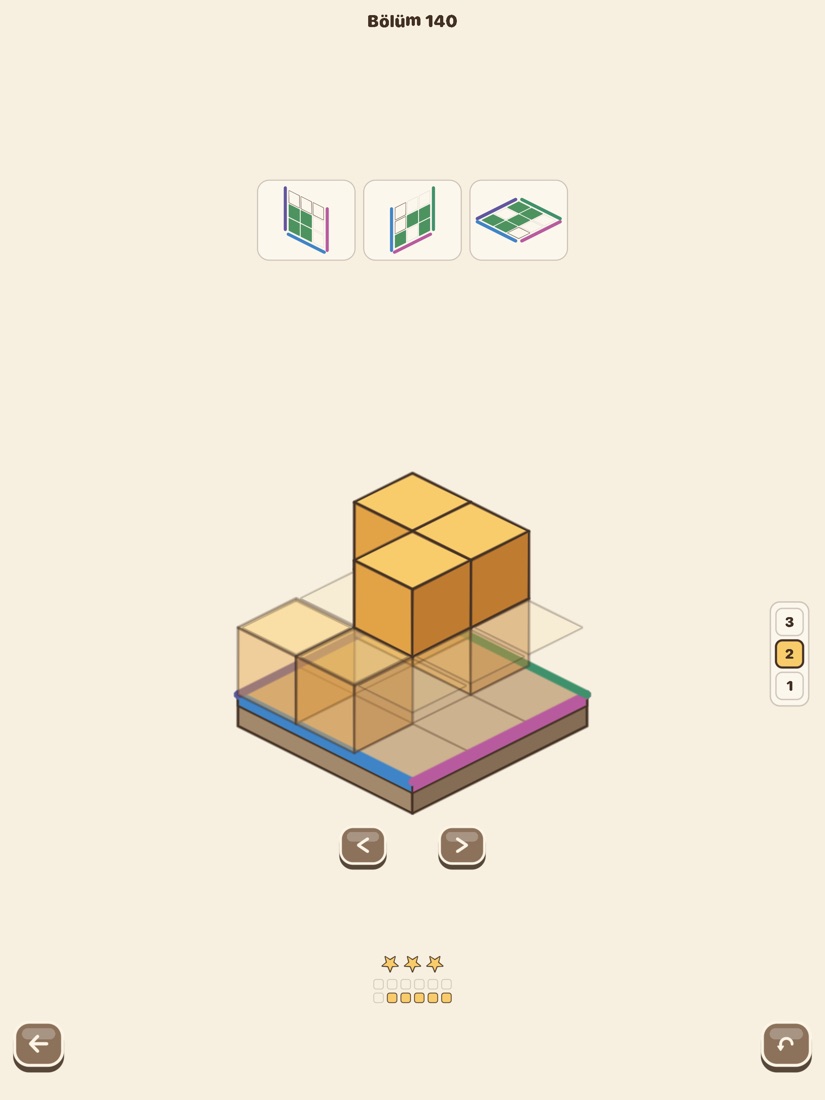
Gravity off. The layer picker chooses which storey you are building on, and shapes with gaps become possible.
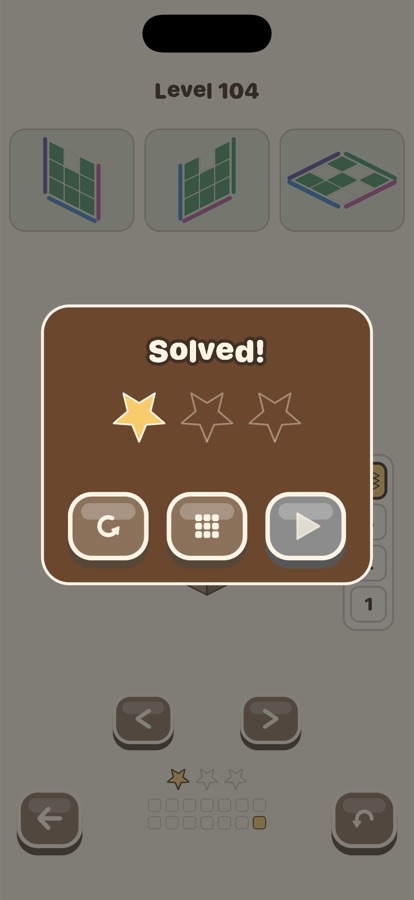
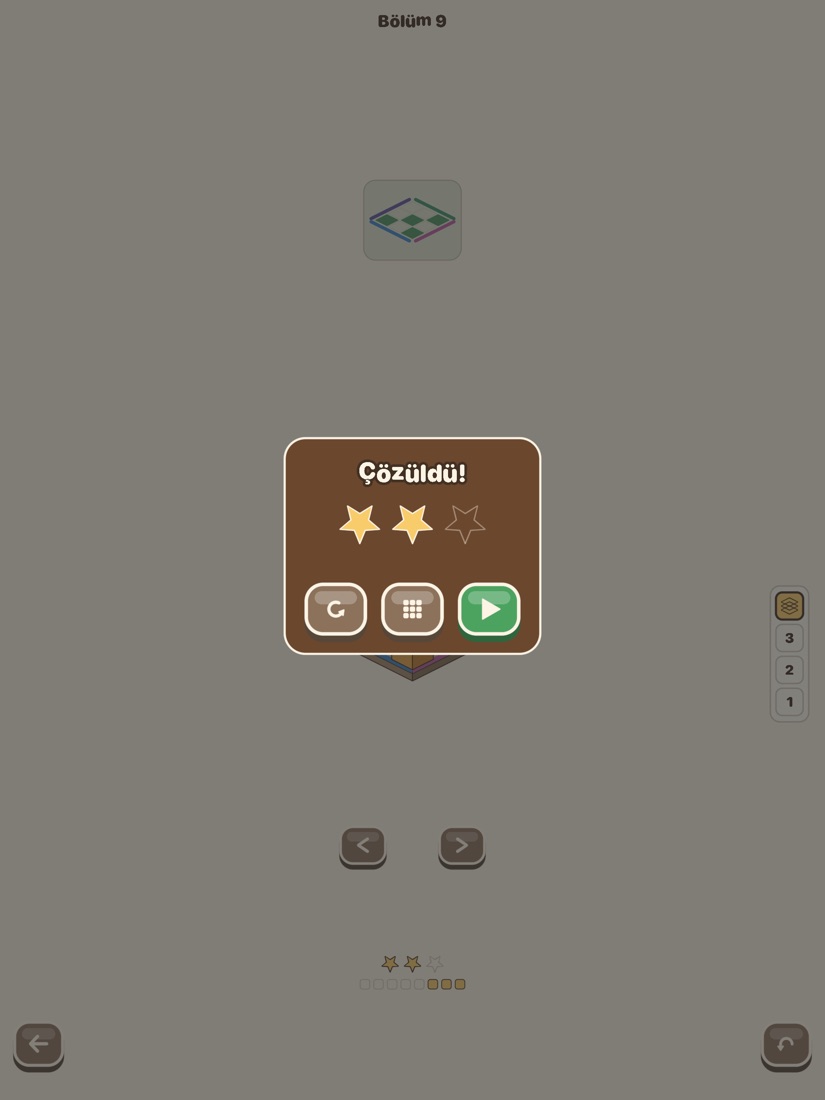
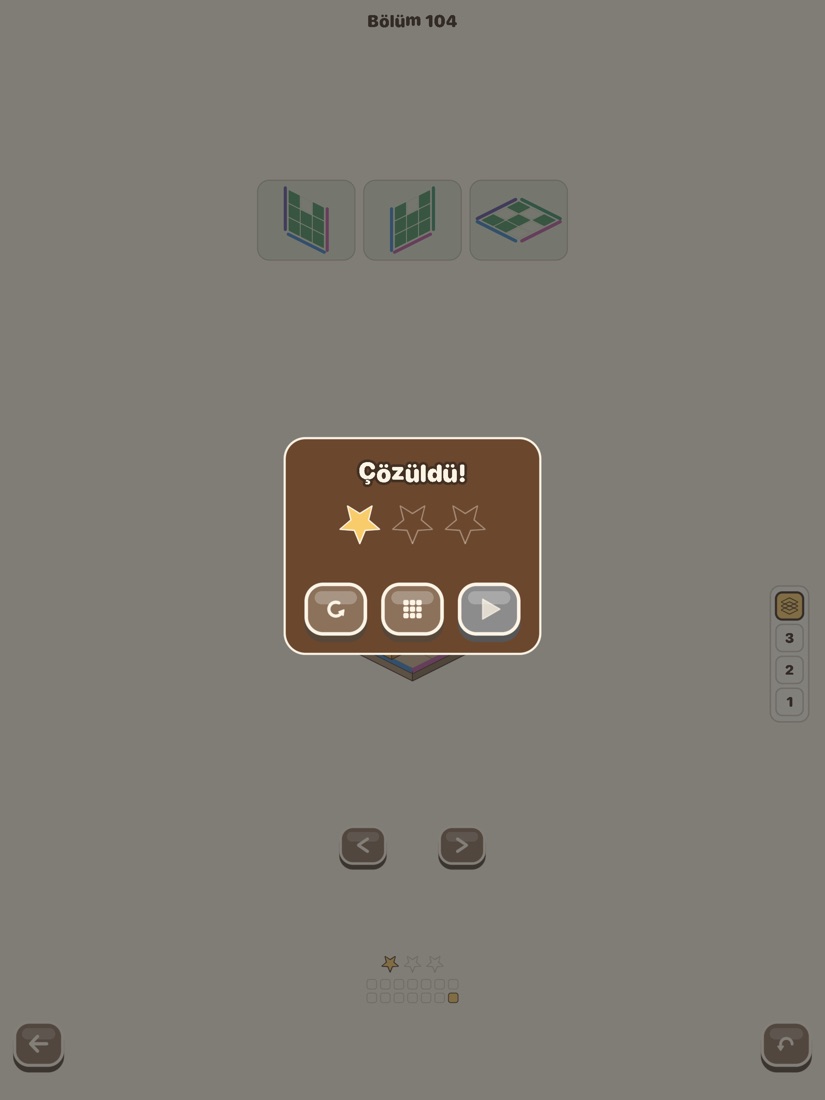
Stars go to the solution with the fewest cubes, so “it worked” and “it worked well” stay different things.
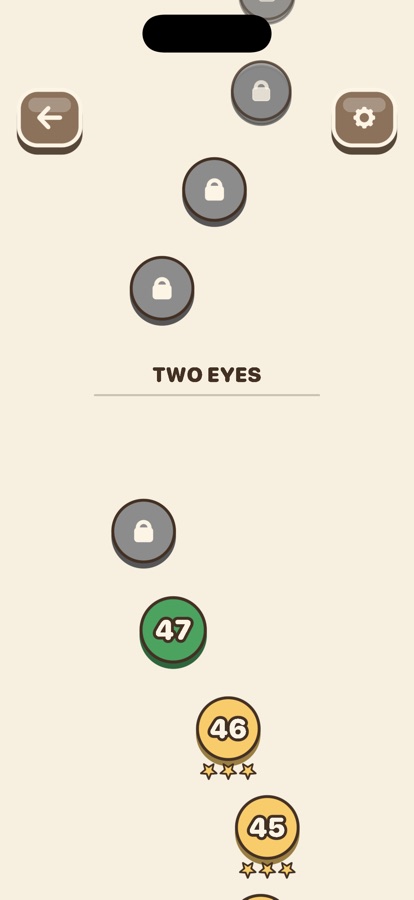
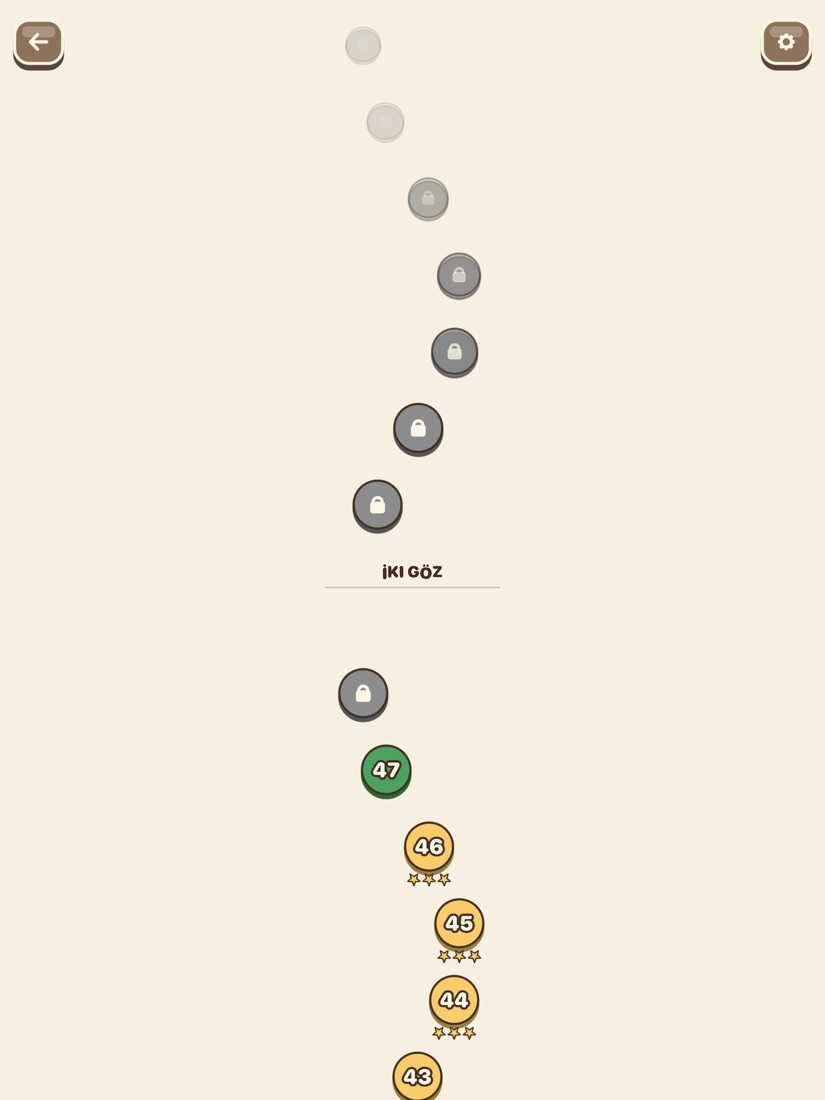
Levels sit along a path through the three worlds, each showing the stars it earned.
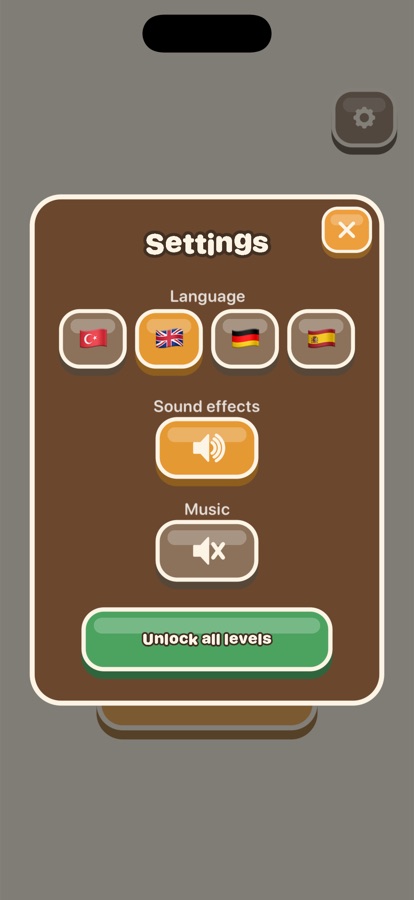
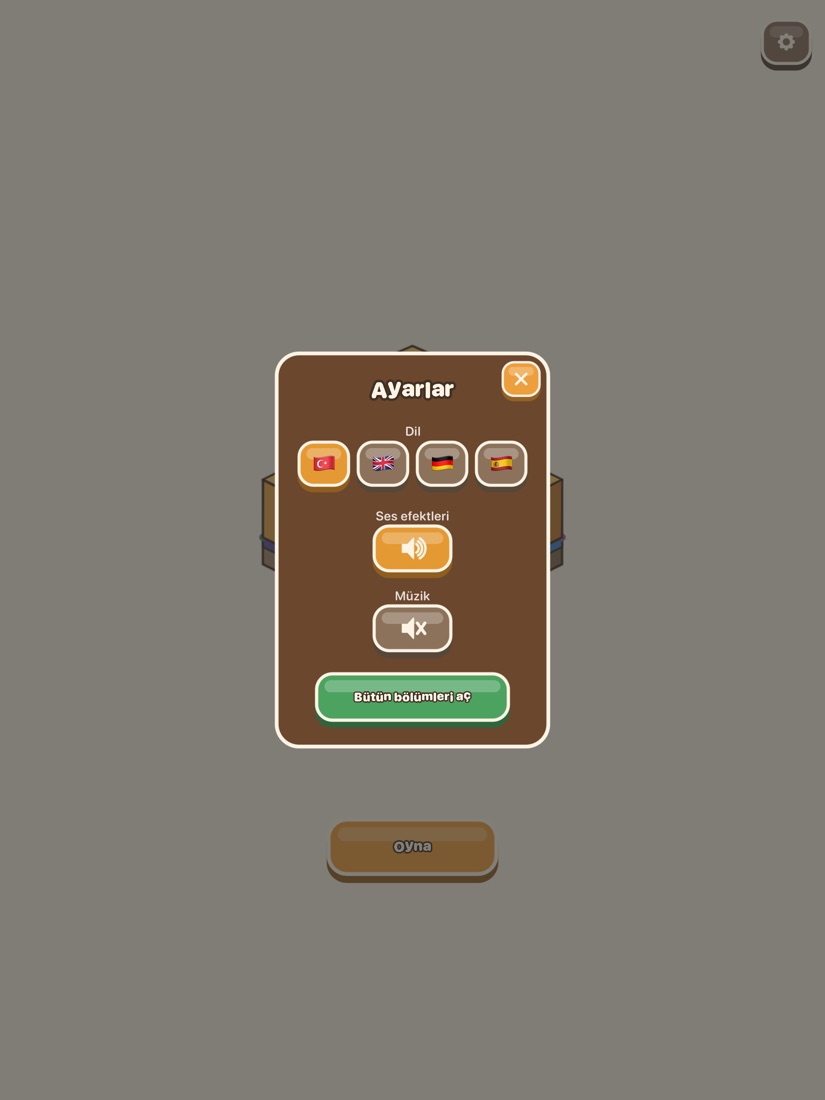
Music and sound effects have separate volumes, the language changes instantly, and unlocking sits behind a parental gate.
On iPad
The same game, laid out for a bigger screen — nothing is cropped and the workbench grows with the board.